
Download StudioLine Web Edition – website builder, web design tool, visual editor, FTP manager, image gallery, web content management, desktop software, productivity app, website update tool, online site editor
Overview
StudioLine Web Edition is a desktop-based productivity application designed to simplify the process of updating and managing websites. Targeted at individuals and small teams who need a reliable tool for maintaining their online presence, the software provides a comprehensive solution for content management, visual design, and file deployment. Its primary purpose is to reduce the technical complexity associated with website maintenance, allowing users to make changes without requiring advanced coding or web development skills.
By offering an intuitive interface and built-in tutorials, StudioLine Web Edition lowers the barrier to entry for non-technical users. Whether you're updating text, adding images, or reorganizing site structure, the application streamlines these tasks through visual controls. Real-world use cases include small business owners managing their company websites, bloggers updating content, and designers refining layouts without relying on external developers.
The software operates as a standalone desktop tool, which means it does not require a constant internet connection for core functionality. This makes it ideal for users who prefer working offline or have limited bandwidth. While the developer, StudioLine, has not provided additional technical background, the app's long-standing presence in the productivity category suggests a focus on stability and user-centric design. As a tool for web content management, it fills a niche in the ecosystem by combining visual editing, FTP integration, and media handling in one package.
Key Features & Functionality
- Visual Style Control: StudioLine Web Edition allows users to customize the visual appearance of their websites through a range of style options. This includes color schemes, typography, and layout adjustments, enabling users to align their site’s design with brand identity.
- User-Friendly Interface: Designed with accessibility in mind, the interface supports quick navigation and immediate task execution. Even users with minimal experience in web design can begin making edits within minutes.
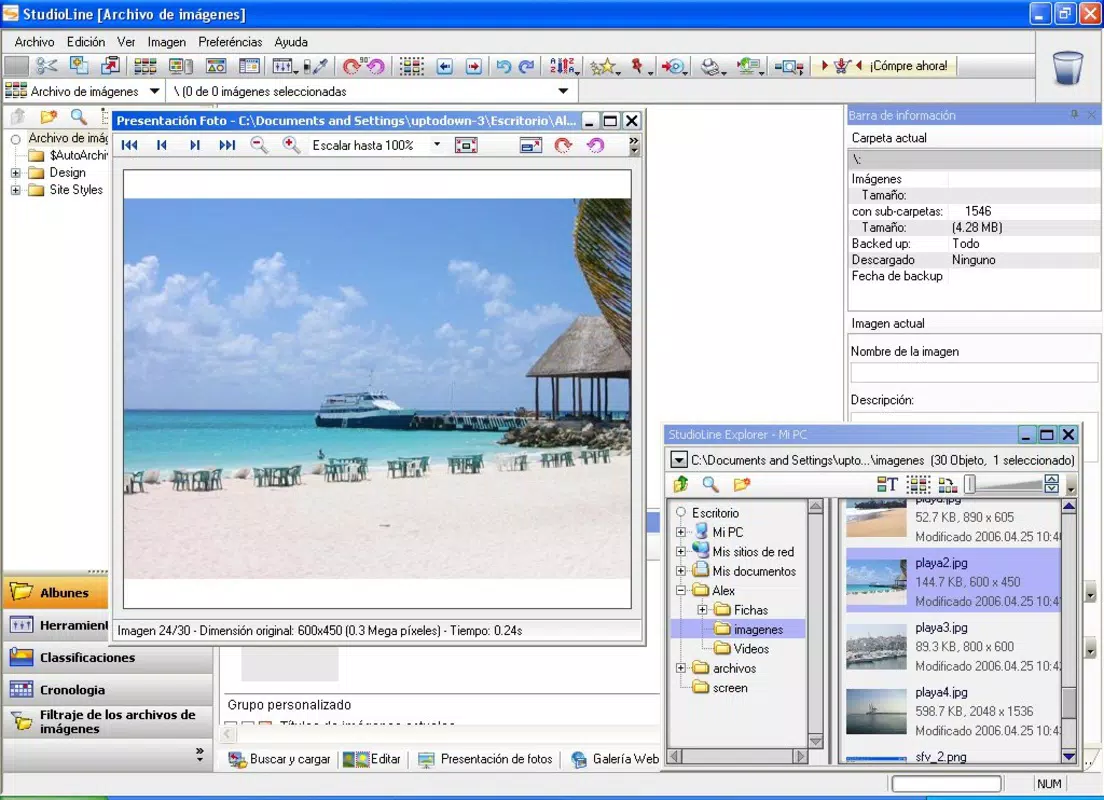
- Image Galleries & Backgrounds: The app enables seamless integration of image galleries and background visuals. Users can import images from connected devices and arrange them in professionally styled layouts to enhance visual storytelling.
- FTP Server Management: Built-in FTP tools allow direct connection to hosting servers, simplifying the upload and synchronization of website files. This eliminates the need for third-party FTP clients and centralizes the deployment process.
- Professional Effects Options: A variety of visual effects—both basic and advanced—can be applied to web elements. These effects help improve user engagement by adding dynamic visuals without requiring manual code editing.
For example, a small business owner can use the image gallery feature to showcase product photos, apply a consistent visual style across pages, and then upload the updated site via the integrated FTP manager—all from a single interface. This workflow reduces time and complexity, making website maintenance more efficient and less error-prone.
Interface, UX & Performance
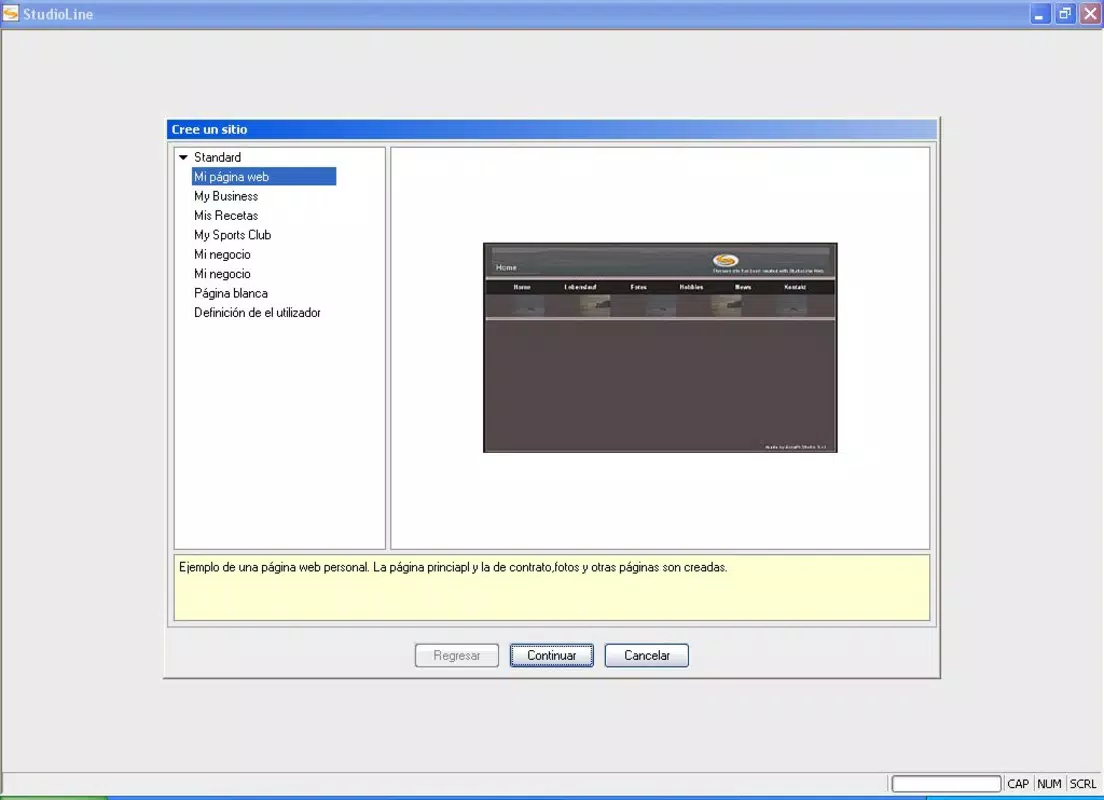
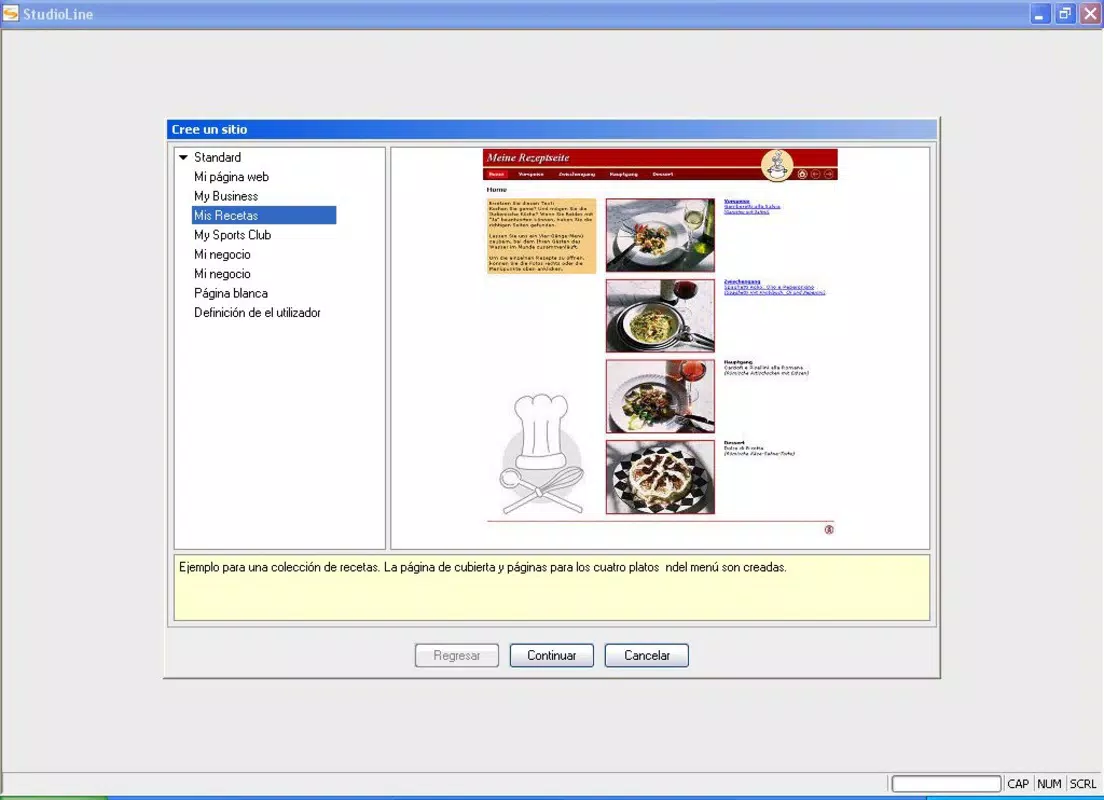
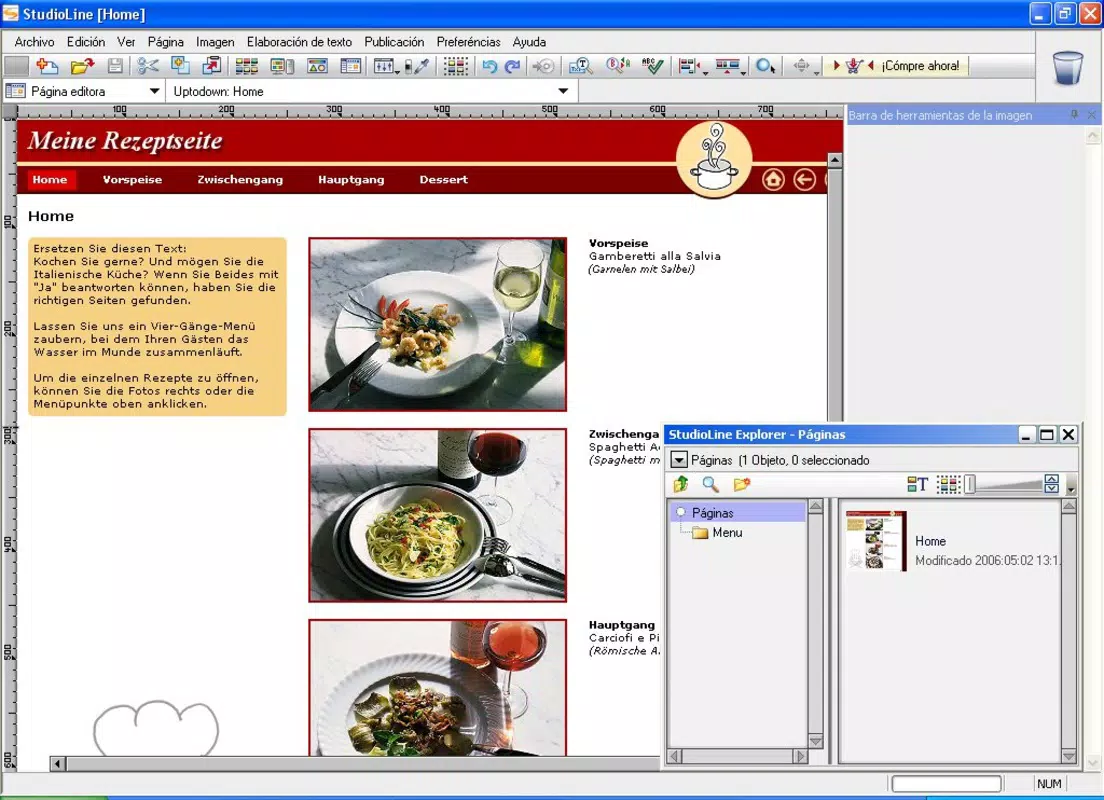
The user interface of StudioLine Web Edition is structured around visual clarity and logical workflow organization. Menus and toolbars are arranged to prioritize commonly used functions, minimizing the need for deep navigation. The visual editor provides a real-time preview of changes, allowing users to see the impact of their edits instantly.
Navigation is consistent across all modules, supporting a smooth learning curve. The inclusion of a built-in tutorial further enhances usability, guiding users through essential tasks such as file import, style customization, and FTP configuration. Although the developer did not list formal performance metrics, the application is designed to operate efficiently on standard Windows systems, with a file size of 55.8 MB.
Responsiveness is maintained across different screen resolutions, ensuring that the interface remains usable on both desktop and larger monitors. Stability appears to be a core focus, given the app’s long-standing release history. While specific details on crash rates or memory usage were not provided, the application’s design suggests it is optimized for consistent performance during routine editing tasks.
Platform Compatibility & Technical Requirements
StudioLine Web Edition is available exclusively for the Windows operating system. The current version is 1.0.0.1, with a file size of 55.8 MB. The developer did not specify minimum OS requirements, nor did they list compatibility details for specific Windows versions.
Given the release date of July 25, 2012, the software is considered legacy, which may impact its performance on newer Windows systems. Users should verify compatibility with their current OS before installation. The absence of platform-specific details means that support for modern Windows features—such as touch optimization or high-DPI scaling—cannot be confirmed.
For users seeking a desktop-based solution, the app remains a viable option, particularly for those who prioritize visual editing and FTP integration over cloud-based collaboration or mobile access.
Pros and Cons
Pros
- Intuitive visual interface suitable for beginners
- Integrated FTP manager simplifies website deployment
- Comprehensive image gallery and background tools
- Visual style controls enable consistent branding
- Standalone desktop application with offline functionality
Cons
- Not available for macOS or mobile platforms
- Limited compatibility information for modern Windows systems
- Release date suggests outdated technology
- Price point of $149.00 may be high for a legacy tool
- No cloud sync or team collaboration features
FAQ
Is StudioLine Web Edition compatible with Windows 11?
The developer did not specify compatibility with Windows 11. Users are advised to test the application on their system or consult official documentation if available.
Can I use StudioLine Web Edition without an internet connection?
Yes, the software functions as a standalone desktop application, allowing users to edit and manage websites offline. Internet access is only required for FTP uploads.
Does StudioLine Web Edition support multiple users or team collaboration?
The developer did not provide information on multi-user support or team features. The app appears to be designed for individual use.
How do I update StudioLine Web Edition?
Update procedures were not specified. Users should check the official website or developer portal for available updates or patches.
Is StudioLine Web Edition secure for managing website files?
As a desktop application, StudioLine Web Edition stores data locally. Security depends on the user’s system and file management practices. The developer did not disclose specific security protocols.
Final Thoughts
StudioLine Web Edition remains a functional tool for users who need a visual, desktop-based solution for website management. Its strengths lie in its intuitive interface, built-in FTP capabilities, and robust image handling—features that continue to serve small-scale web maintenance tasks effectively. While its age and lack of modern platform support are notable drawbacks, it still offers value for users who prioritize offline editing and visual control over cloud-based workflows.
For individuals or organizations with limited technical expertise and a need for consistent, professional-looking updates, StudioLine Web Edition presents a practical option. Its ability to combine design, content, and deployment in one environment makes it a rare find in the productivity space.
Download StudioLine Web Edition now


